

Mbps vs. MB/s: What's the Difference?
Understand the difference between Mbps and MB/s, learn the simple conversion, and estimate download speeds more realistically.
Internet basics2 min read
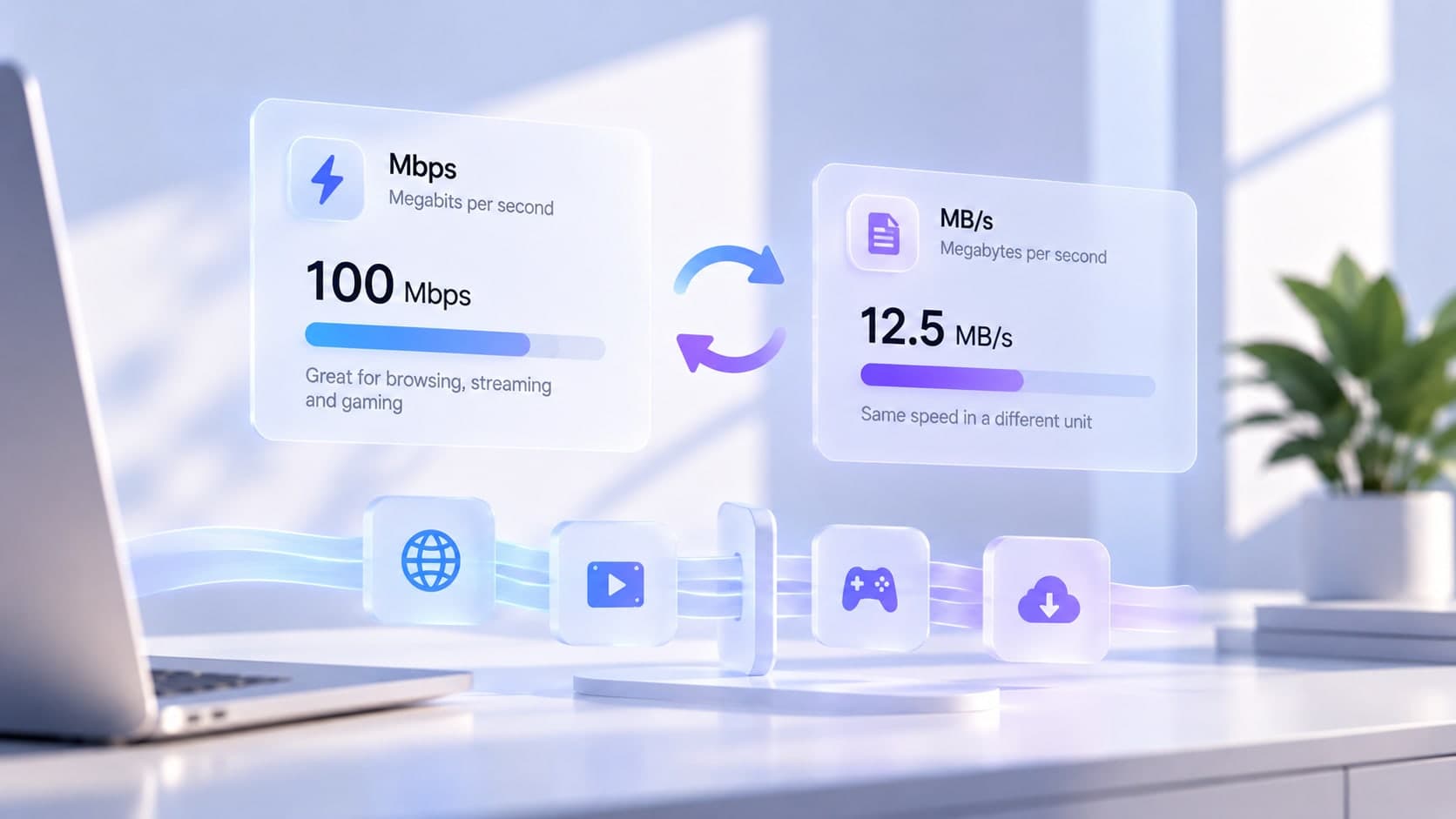
Internet plans usually advertise speeds in megabits per second (Mbps), while file sizes and some download interfaces use megabytes. The abbreviations look similar, but they measure different units. Confusing them can make a perfectly normal download appear much slower than expected.
Bits and bytes
A bit is a basic unit of digital information. A byte contains eight bits. Therefore, megabits per second (Mbps) and megabytes per second (MB/s) differ by a factor of eight in the basic unit conversion. Capitalization matters: MB commonly means megabyte, while Mb commonly means megabit.
Convert Mbps to MB/s
For a simple theoretical conversion, divide the Mbps figure by eight. For example, 100 Mbps divided by eight equals 12.5 MB/s. This is a unit conversion, not a promise that a real file will download at exactly that rate.
Why real downloads can be slower
Network protocols add overhead, Wi-Fi conditions vary, the server may limit delivery, and other activity can share the connection. The storage device, browser, or application can also affect the rate you see. Some interfaces use different units or update their numbers differently, so check the label before comparing figures.
Estimate a download time
To make a rough estimate, convert the file size to megabits and divide by the connection rate in megabits per second. A 100 MB file contains about 800 megabits using decimal units; at a steady 100 Mbps, the theoretical transfer time is about eight seconds. Real transfers can take longer due to overhead and changing conditions.
Use consistent units
When comparing your internet plan with a speed test, check whether both figures are in Mbps. When looking at a file download, check whether the application displays MB/s. Converting the units first avoids comparing unlike measurements.
Key takeaway
Divide Mbps by eight to estimate the equivalent MB/s before overhead. Treat the result as a theoretical conversion, not a guarantee of actual download performance.