

How to Make Your Wi-Fi Faster
Improve Wi-Fi performance with practical steps for router placement, interference, device connections, and speed testing.
Wi-Fi2 min read
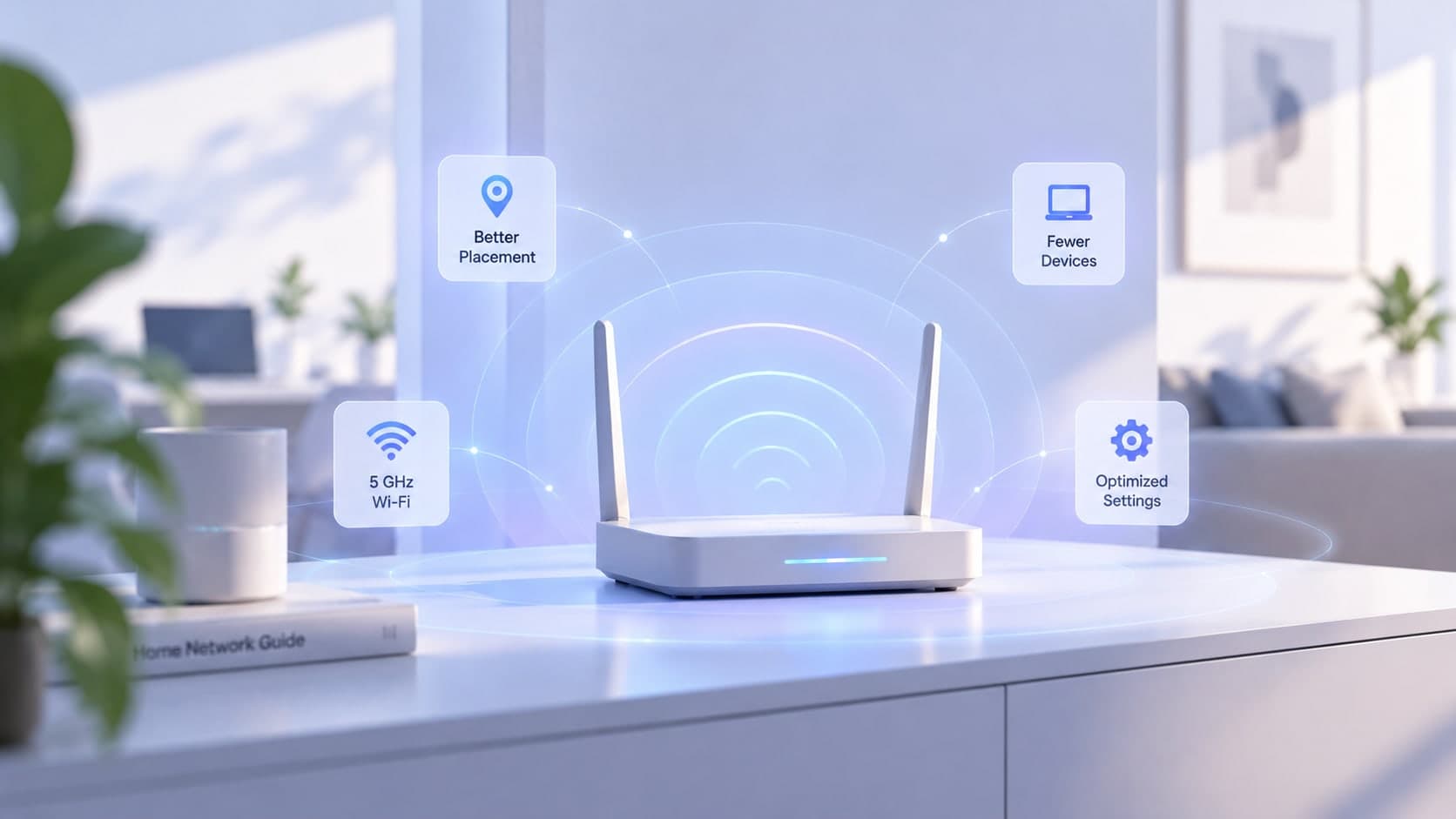
Slow Wi-Fi does not always mean your internet plan is too slow. The wireless connection between your device and router can be affected by distance, walls, interference, equipment, and network activity. Try the low-cost adjustments first, then measure whether they make a difference.
Place the router thoughtfully
Put the router in a reasonably central, open location rather than hiding it in a cabinet or placing it behind large objects. Elevation can help in some homes, but the best position depends on the layout and where people use their devices. Avoid placing it beside sources of interference where possible.
Choose the right Wi-Fi band
Many modern routers offer 2.4 GHz and 5 GHz bands, and some support 6 GHz. Lower-frequency bands can reach farther and may pass through obstacles more effectively; higher-frequency bands can offer more capacity at shorter range when conditions and devices support them. The best choice depends on distance, congestion, and compatibility.
Reduce interference and unnecessary load
Dense walls, neighboring networks, and certain household electronics can affect wireless performance. Move closer to the router to see whether signal quality is the issue. Pause large downloads or uploads during a test and disconnect devices you do not need, while remembering that device count alone does not determine speed.
Check the router and device
Restart equipment if it appears stuck, check the manufacturer's guidance for firmware updates, and ensure your device supports the Wi-Fi capabilities you expect. Older devices may not use the same standards or bands as a newer router.
Measure before and after
Run a speed test from your normal location, make one change, then test again under similar conditions. If Wi-Fi remains poor throughout the home, a properly placed access point or mesh system may help. If a wired test is also slow, investigate the internet service rather than assuming the Wi-Fi is the only problem.
Key takeaway
Start with router placement, band selection, and repeatable measurements. Buy new equipment only after you have a clearer idea of what is limiting performance.