

Why Is My Wi-Fi So Slow?
Find out why Wi-Fi may be slow despite a fast internet plan and learn how to test signal, router placement, interference, and devices.
Troubleshooting2 min read
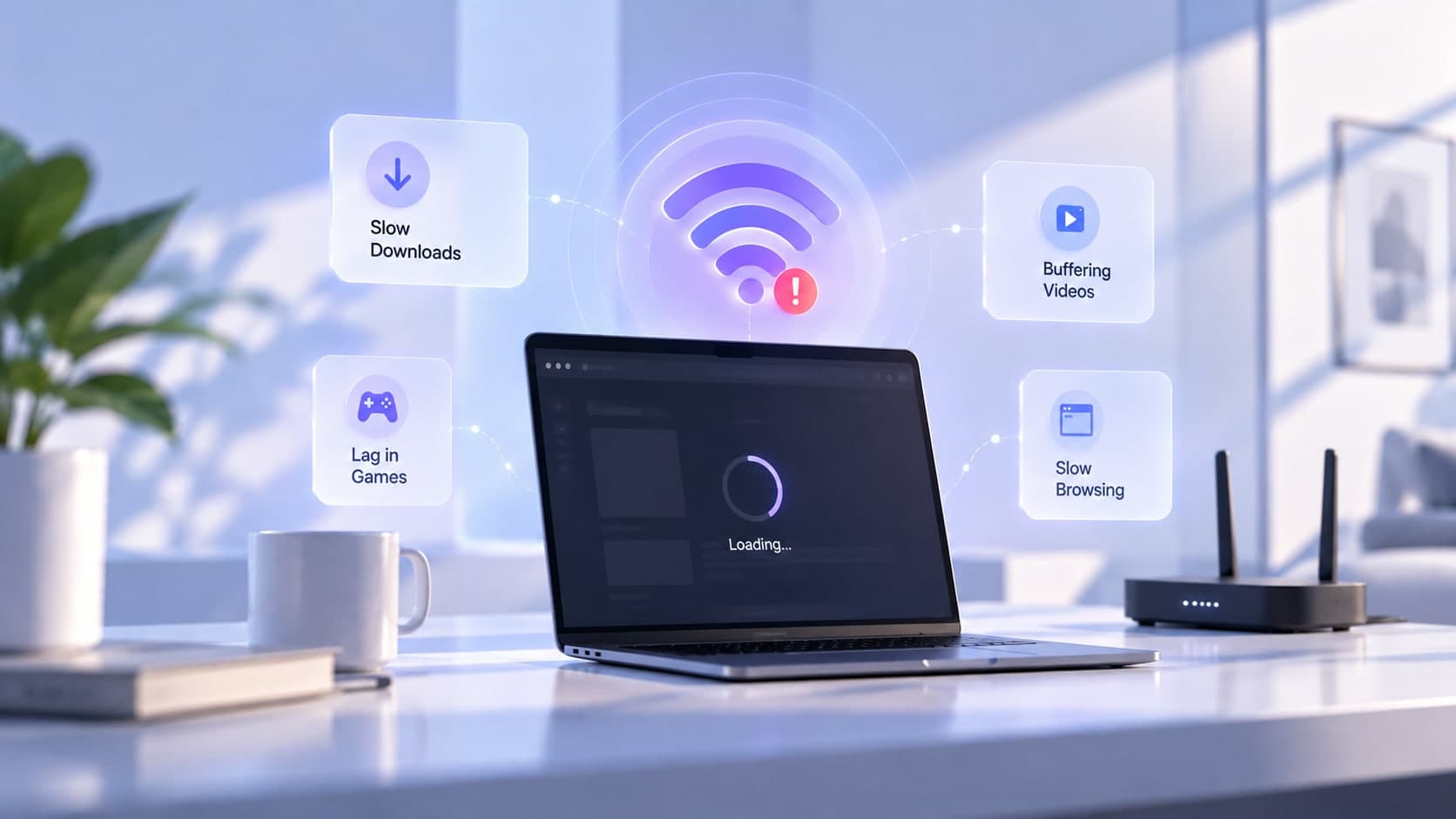
Your internet plan can be fast while the Wi-Fi connection in one room feels sluggish. That is because Wi-Fi is a local wireless link between your device and router, and it has its own limits. The distance, obstacles, interference, device capabilities, and number of active transfers can all affect what you experience.
Distance and obstacles
Wi-Fi signal usually becomes weaker as distance and obstacles increase. Concrete, brick, metal, and multiple floors can be particularly challenging depending on the building. Try testing near the router, then at the location where performance is poor. A large difference points toward a coverage or signal-quality issue.
Band and congestion
A 2.4 GHz network may reach farther but can be crowded in some environments. A 5 GHz or 6 GHz network may provide more capacity under suitable conditions but typically has less reach through obstacles. Neighboring networks and channel conditions can affect performance, so results vary by home.
Device limitations
A device's Wi-Fi hardware, software, power-saving behavior, or background activity may limit its connection. Compare two devices in the same location. If one is consistently slower, investigate that device before replacing the router.
Separate Wi-Fi from internet service
If possible, compare a wired Ethernet test with a Wi-Fi test. If Ethernet performs well while Wi-Fi does not, focus on wireless coverage and configuration. If both are poor, check for competing traffic, equipment faults, provider issues, or a problem with the test destination.
Choose the right fix
Try moving the router to an open, central location, reducing interference, updating equipment according to the manufacturer's instructions, or adding a well-positioned access point if coverage is the issue. Make one change at a time and test again.
Key takeaway
A fast plan cannot overcome a weak wireless link. Compare results near the router, in the problem area, and over Ethernet to identify the likely bottleneck.