

Wi-Fi vs. Ethernet: Which Is Better?
Compare Wi-Fi and Ethernet for speed, reliability, latency, convenience, and gaming, plus how to test your own network.
Networking2 min read
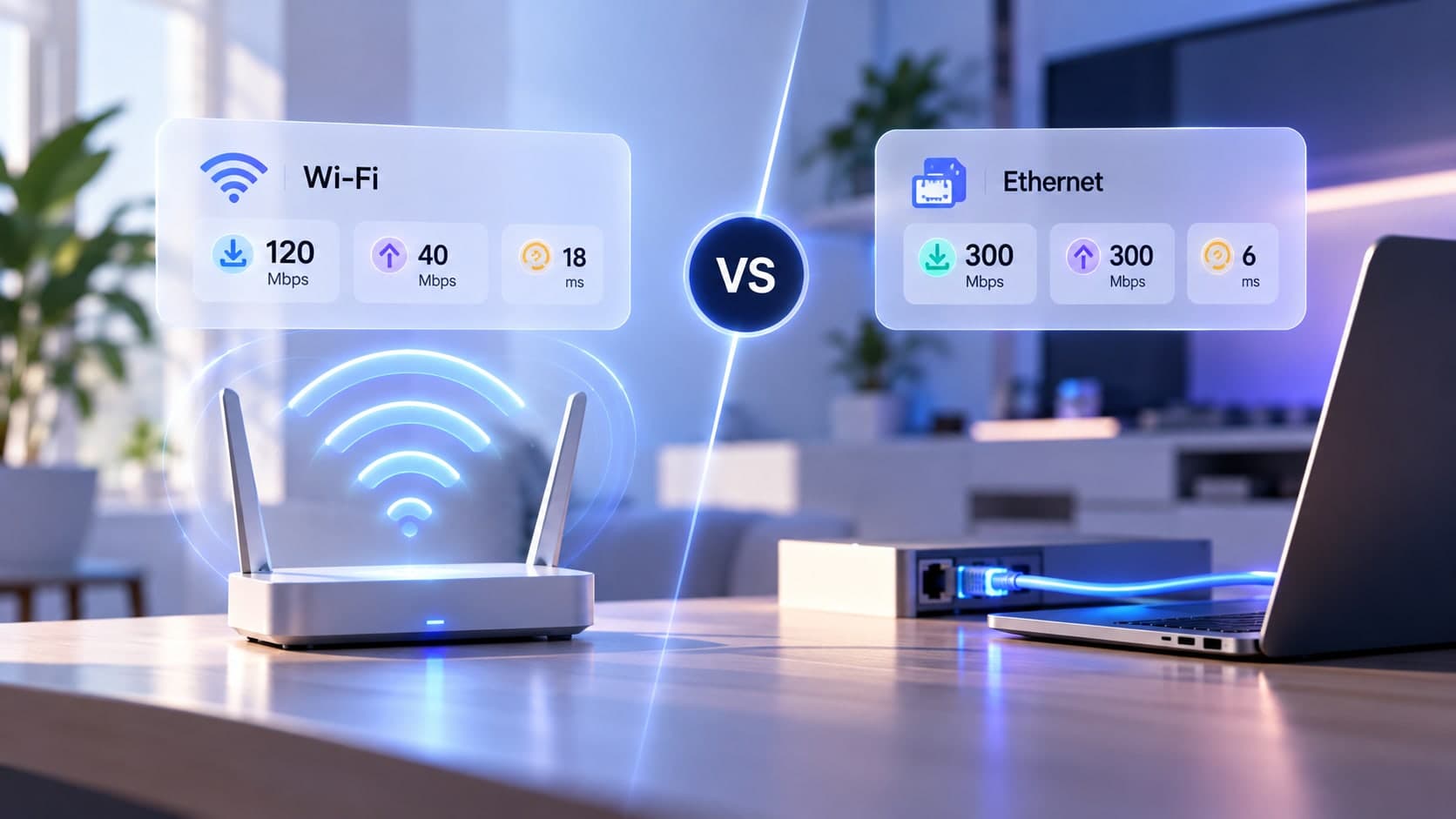
Wi-Fi and Ethernet both connect your devices to a local network, but they do it differently. Wi-Fi offers mobility and avoids cables, while Ethernet uses a physical cable and can provide a more consistent link. The better option depends on the device, the room, the router, and what you need to do online.
How Wi-Fi works
Wi-Fi sends data wirelessly between a device and an access point or router. Performance depends on signal strength, obstacles, interference, the router and device capabilities, and competing network activity. It is convenient for phones, tablets, and devices that move around.
How Ethernet works
Ethernet carries data over a physical cable between compatible devices and network equipment. It avoids radio interference on the local link and often provides more consistent performance for desktop computers, consoles, and workstations. Actual speed still depends on the ports, cable, router, and internet service.
Which is faster?
Neither label guarantees a particular speed. Modern Wi-Fi can be very fast under good conditions, while Ethernet can be limited by older ports, cables, or network equipment. Compare measurements from the same device and service where possible, changing only the connection type.
Which should you use?
Use Ethernet when consistency and low local-link variability matter and a cable is practical. Use Wi-Fi when mobility and convenience matter most. For a fixed gaming console or desktop near the router, Ethernet is a useful baseline; for phones and laptops around the home, Wi-Fi is often more practical.
How to compare fairly
Run a test over Wi-Fi, then over Ethernet using the same device and similar network conditions. Pause heavy transfers and record the results. If Ethernet is substantially better, investigate wireless coverage. If both are slow, look beyond the Wi-Fi link.
Key takeaway
Ethernet is a strong choice for fixed devices where consistency matters; Wi-Fi offers flexibility. Test both under comparable conditions instead of assuming one is always faster.