

Why Is My Internet Slower at Night?
Learn why internet speed may drop at night and how to distinguish network congestion, Wi-Fi issues, and device activity.
Troubleshooting2 min read
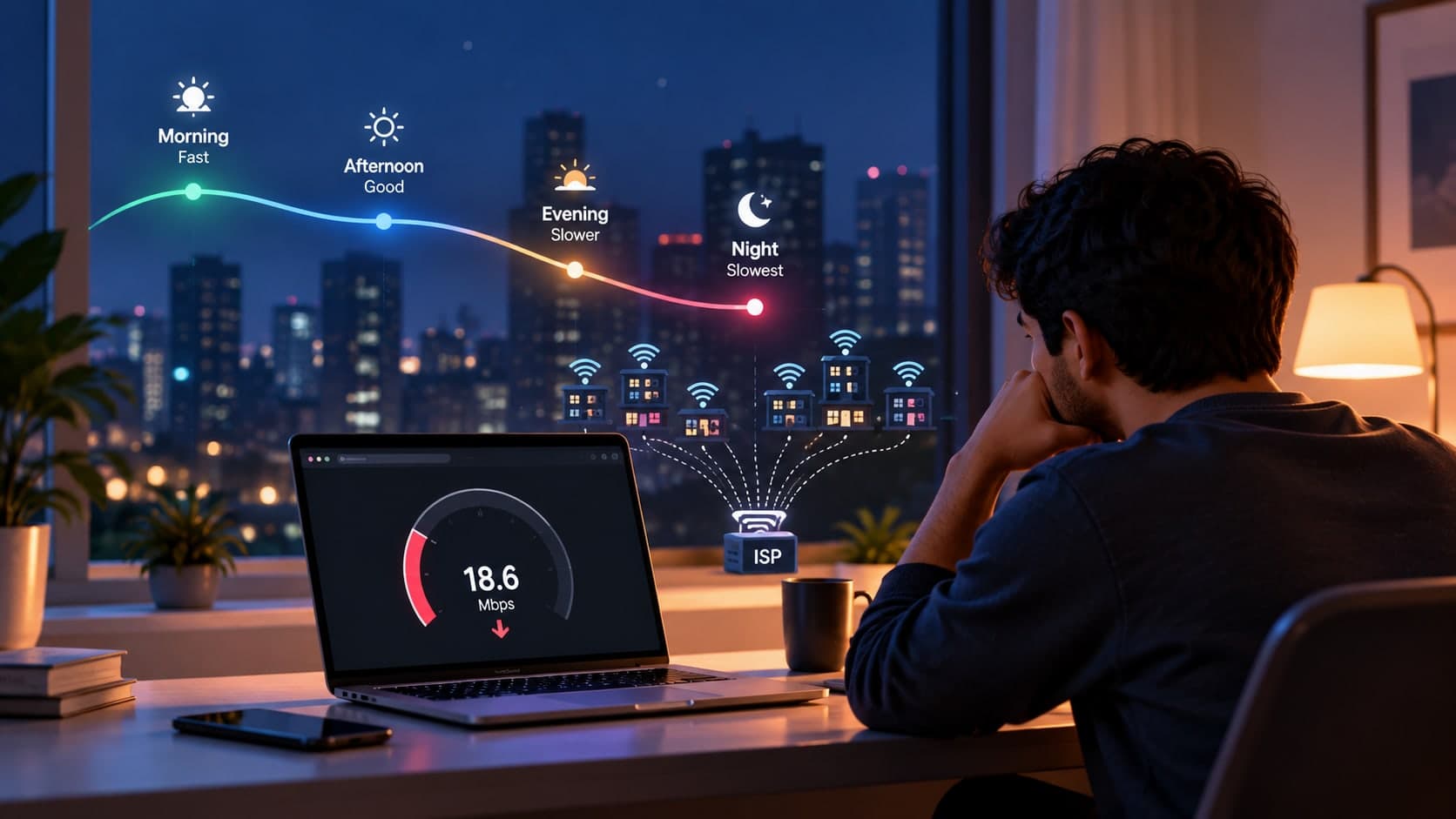
If your connection seems slower in the evening than in the morning, the pattern may be real, but the cause is not always obvious. More people may be using the local network, your household may be streaming or downloading, or wireless conditions may have changed. A few repeatable checks can help narrow it down.
Shared network capacity
In some access networks, many customers share capacity. Busy periods can contribute to slower performance, depending on the technology and how the provider manages its network. However, evening slowdown is not proof of provider congestion; local Wi-Fi and household activity can produce a similar symptom.
Check activity inside your home
Streaming, game downloads, cloud backups, security cameras, and device updates can use bandwidth without being obvious. Pause heavy transfers briefly and test again. If performance improves, consider scheduling large updates or adjusting device settings.
Compare Wi-Fi with Ethernet
Wireless interference and signal strength can change with location and neighboring network activity. If a wired test is available, compare it with Wi-Fi at the same time. Similar slow results on both make a Wi-Fi-only explanation less likely, though they do not prove the provider is responsible.
Collect comparable measurements
Test at different times for several days, keeping the device, connection type, and location consistent. Record download speed, upload speed, latency, and any noticeable dropouts. One result is not enough to establish a pattern.
What to do next
If the slowdown occurs only on Wi-Fi, improve router placement or investigate wireless congestion. If wired and wireless tests both repeatedly degrade at similar times, contact your provider with the measurements and ask whether they can check for service issues.
Key takeaway
Look for a repeatable time-of-day pattern and compare wired and wireless results before concluding that peak-hour congestion is the cause.