

What Is a Good Internet Speed?
Learn what makes a good internet speed for streaming, gaming, video calls, and browsing, plus how to test your connection.
Internet basics2 min read
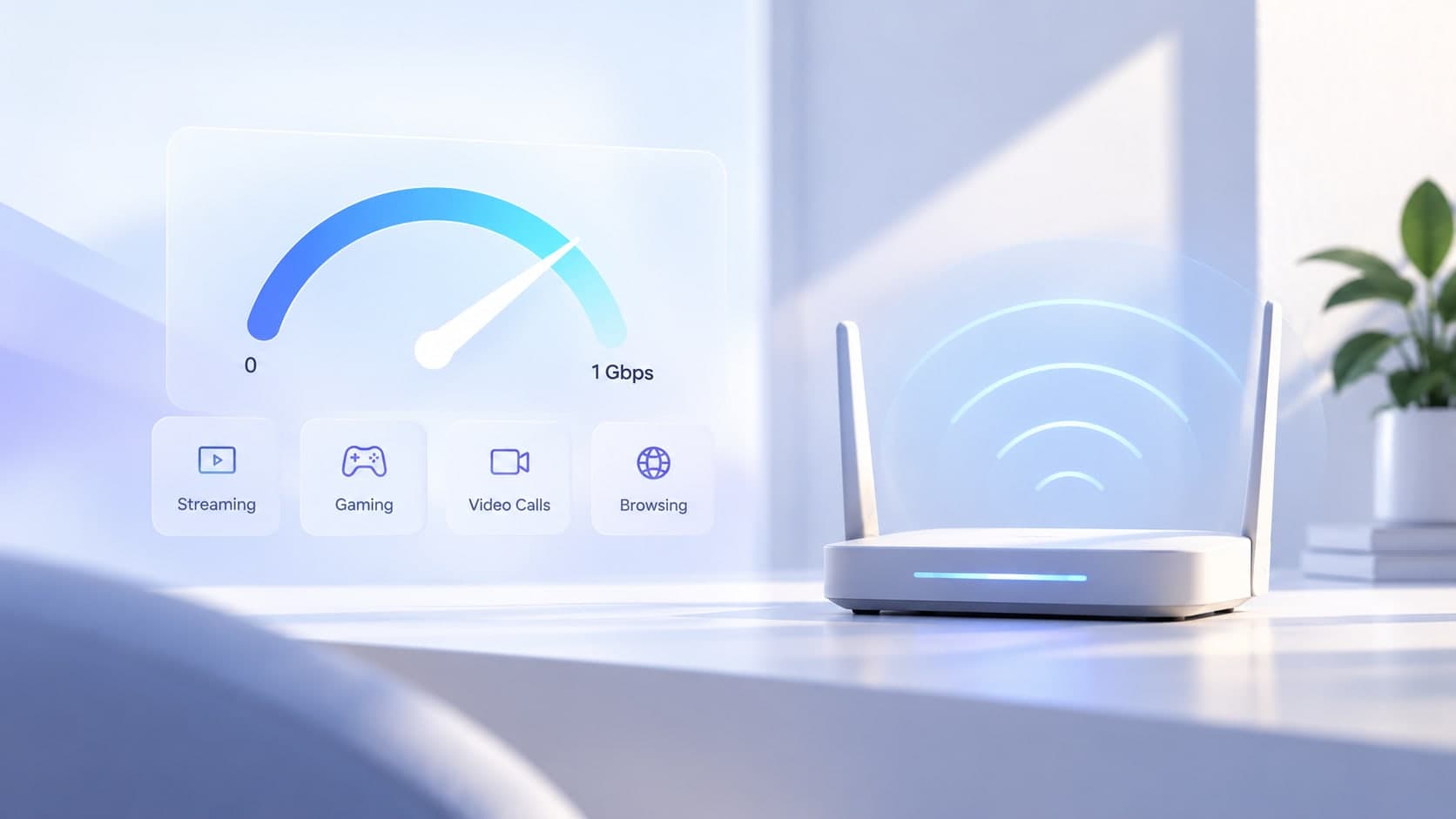
A good internet speed is one that supports the things you do online without frustrating delays. The right speed depends on how many people and devices share your connection, which apps you use, and whether your home relies on Wi-Fi or a wired connection. A single number cannot describe every household, but understanding a few basics can help you choose a plan and interpret your results.
Start with download and upload speed
Download speed describes how quickly data reaches your device. It matters when you stream video, load websites, download games, or receive large files. Upload speed describes how quickly your device sends data out. It matters for video calls, sending large files, cloud backups, and live streaming. Internet plans often advertise download speed most prominently, so check both figures if your work or hobbies depend on uploading.
How much speed do common activities need?
Light browsing, messaging, and email generally use relatively little bandwidth. HD or 4K streaming, large downloads, and multiple simultaneous video calls need more. Online gaming often uses modest bandwidth compared with downloading a game, but it is sensitive to latency, jitter, and packet loss. If several people stream, work, and play at once, the household needs more capacity than a single-user setup.
Why your results may differ from your plan
Your internet plan's advertised rate is not a guarantee that every device will see that exact result at every moment. Wi-Fi signal strength, distance from the router, interference, network congestion, device performance, and the test server can affect measurements. A wired Ethernet test can help separate Wi-Fi limitations from problems with the internet connection itself.
How to check your connection
Pause large downloads and other heavy network activity, connect from a typical location, and run a speed test. Repeat the test at different times if performance seems inconsistent. Compare download, upload, and latency rather than focusing on one number alone. If results are consistently far below expectations, test over Ethernet where possible and contact your internet provider with the measurements.
Key takeaway
The best internet speed is the one that reliably supports your household's real activities, with enough capacity for people and devices to be online at the same time.